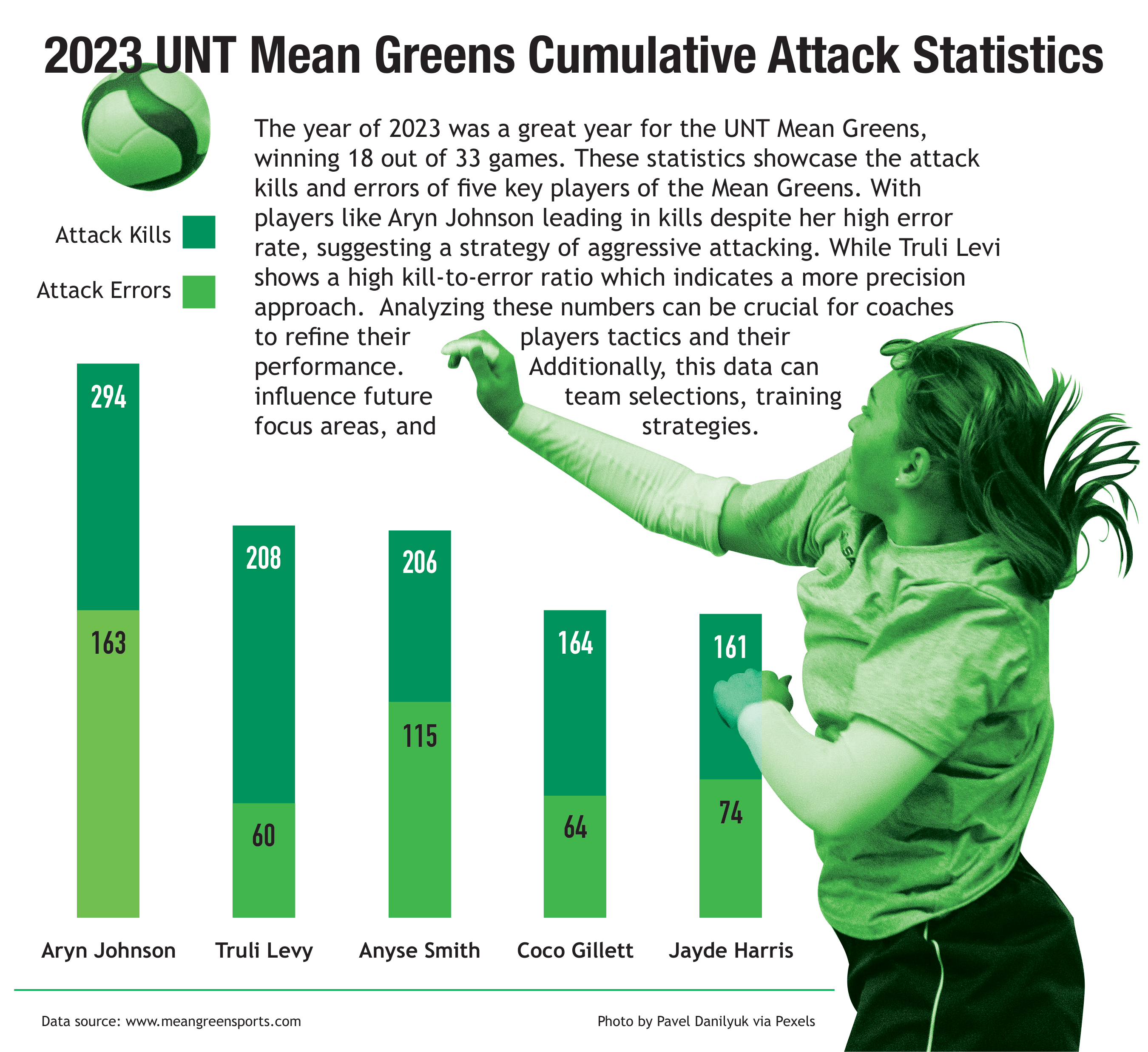
Aged Circus Poster
April 23, 2025
Typographic Design - Adobe Illustrator
This project was designing an aged circus poster. The goal was to create a circus poster in the style of a 1930's circus poster, using various techniques in Adobe Illustrator. I used the pen tool and shape tools to create the artwork, along with the type tool to create the text.
In this project, I learned how to create a vintage look using various techniques in Illustrator. I used textures and effects to create the aged look, and I experimented with different fonts and layouts to create a cohesive design.
The poster is a reflection of my skills in typography and design, and I wanted to create something that was both visually appealing and representative of the circus theme.
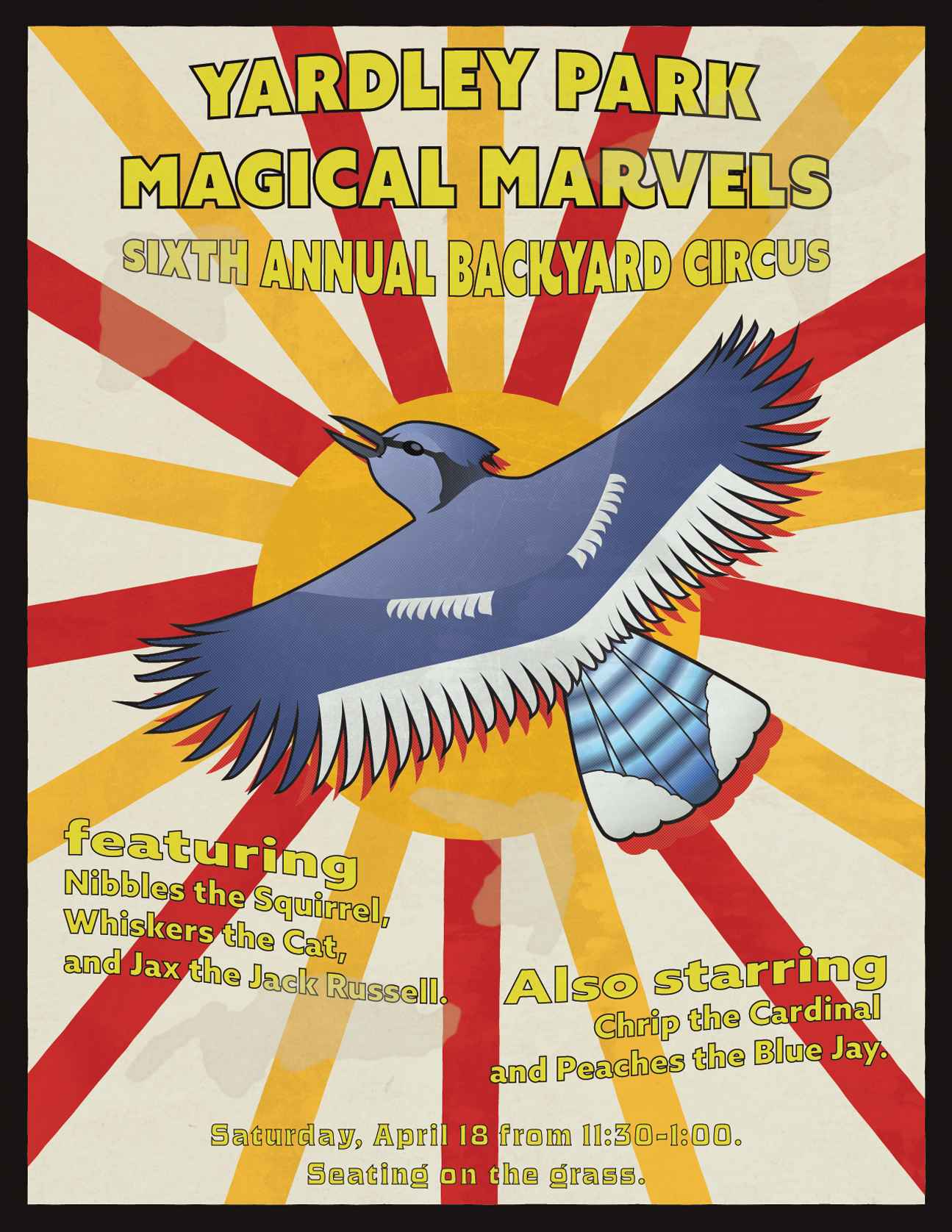
Damaged Photo Restoration
April 22, 2025
Digital Imaging I - Adobe Photoshop
This project was a photo restoration of a damaged photo. The goal was to restore the photo to its original state using Adobe Photoshop. I used various tools and techniques to remove scratches, tears, and discoloration from the photo.
In this project, I learned how to better use the healing brush tool, clone stamp tool, and other retouching techniques to restore the photo. I also learned how to adjust the color and contrast to fix parts of the image that were very damaged.
The photo restoration process was a great opportunity for me to experiment with different tools and techniques in Photoshop. I learned a lot about color correction and photo restoration.
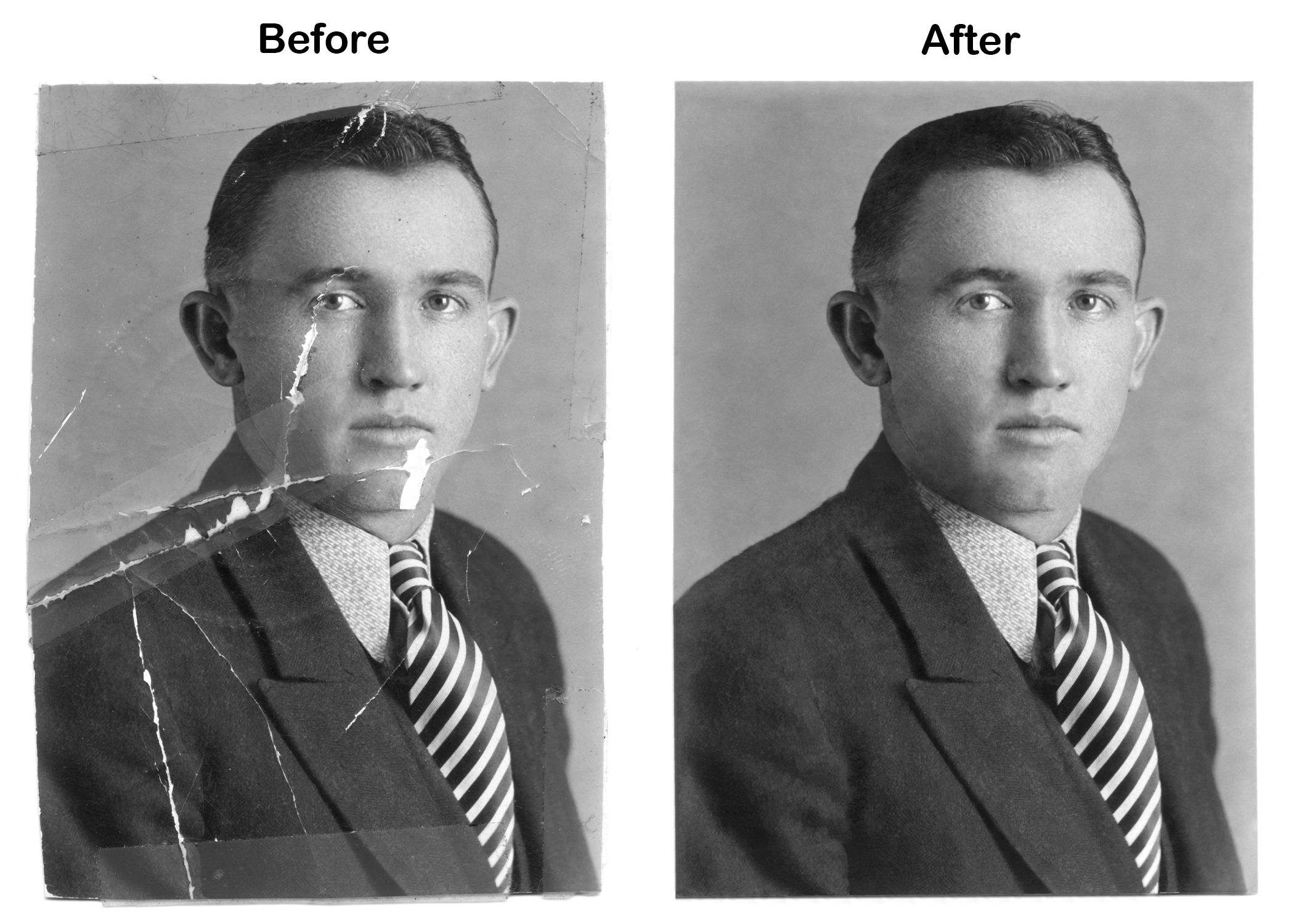
Family Recipe Book Cover
November 19, 2024
Computer Illustration II - Adobe Illustrator
This project was a family recipe book cover design. The goal was to create a cover that incorporated family recipes into the design. I used Adobe Illustrator to create the layout and design, and I incorporated recipes from the family's own recipe books.
The recipes are a reflection of the family's history and traditions, I wanted to create something that was both visually appealing and representative of the family.
The recipes shown on the cover from left to right are:
— Homemade Eggnog
— Gooseberry Pie
— Strawberry Soup
Self Portrait
October 20, 2024
Computer Illustration II - Adobe Illustrator
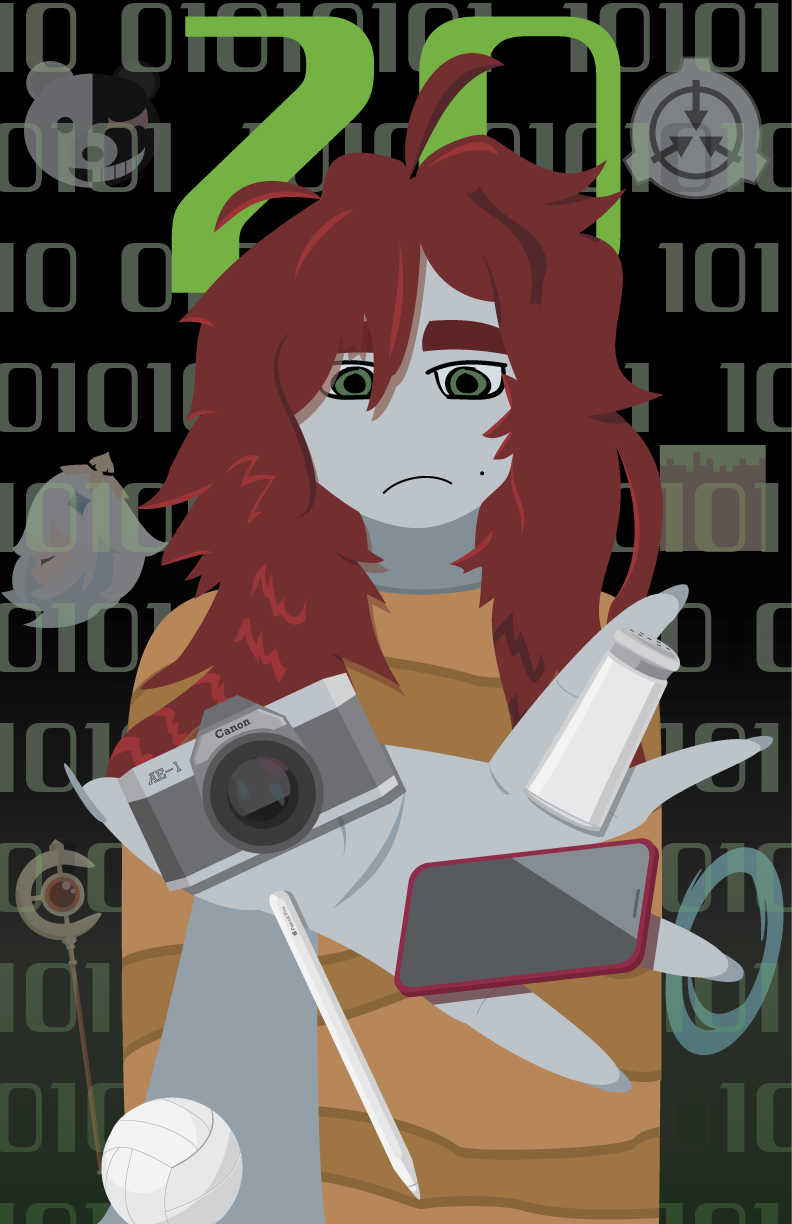
This self-portrait was created using Adobe Illustrator. I used the pen tool and shape tools to create the artwork, along with the type tool to create some text. The goal was to create an exaggerated self-portrait that also reflected my personality and hobbies.
In this project, I was able to explore the concept of self-representation and how we perceive ourselves. The exaggerated features are a reflection of my personality and how I see myself.
This project was a great opportunity for me to experiment with different styles and techniques in Illustrator. I learned a lot about color theory and how to create depth and dimension in my illustrations.
Conn 40B Vocabell
October 1, 2024
Computer Illustration II - Adobe Illustrator
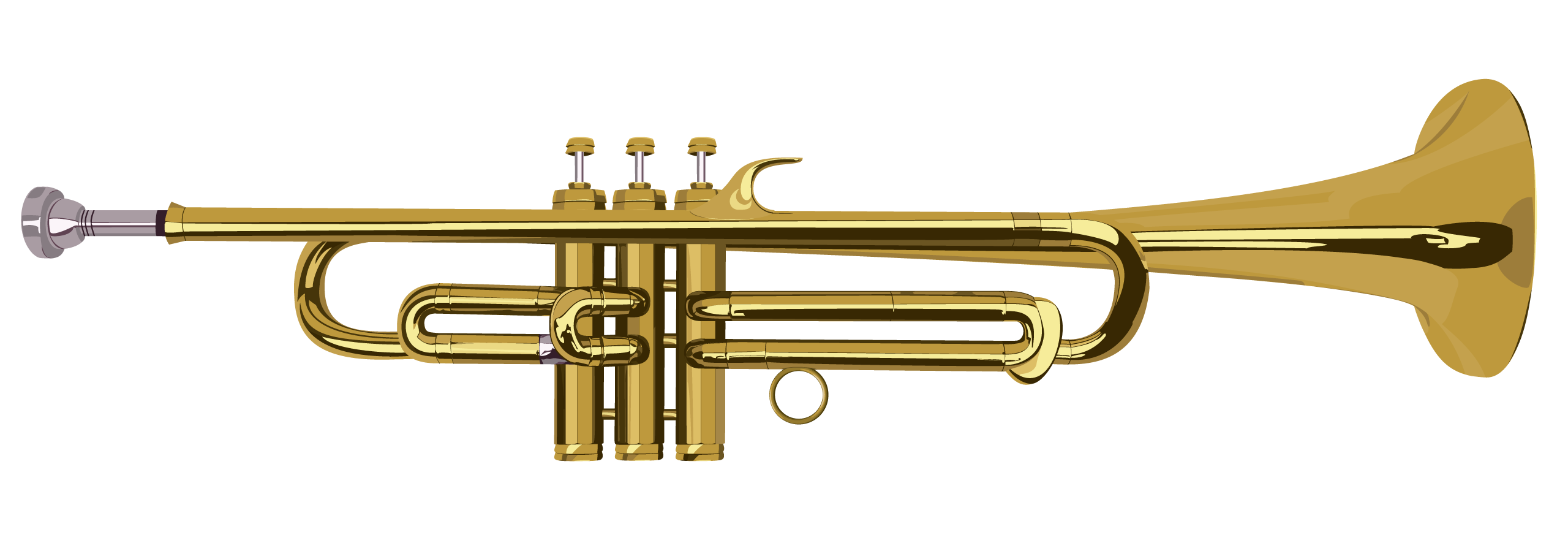
This project was a digital illustration of a Conn 40B Vocabell. The goal was to create a realistic and reflective representation of the instrument using Adobe Illustrator. I used the pen tool and shape tools to create the artwork, along with the type tool to create some text.
In this project, I was able to explore the concept of reflections and how they work on cylindrical objects. The illustration is a reflection itself, of my skills in digital illustration.
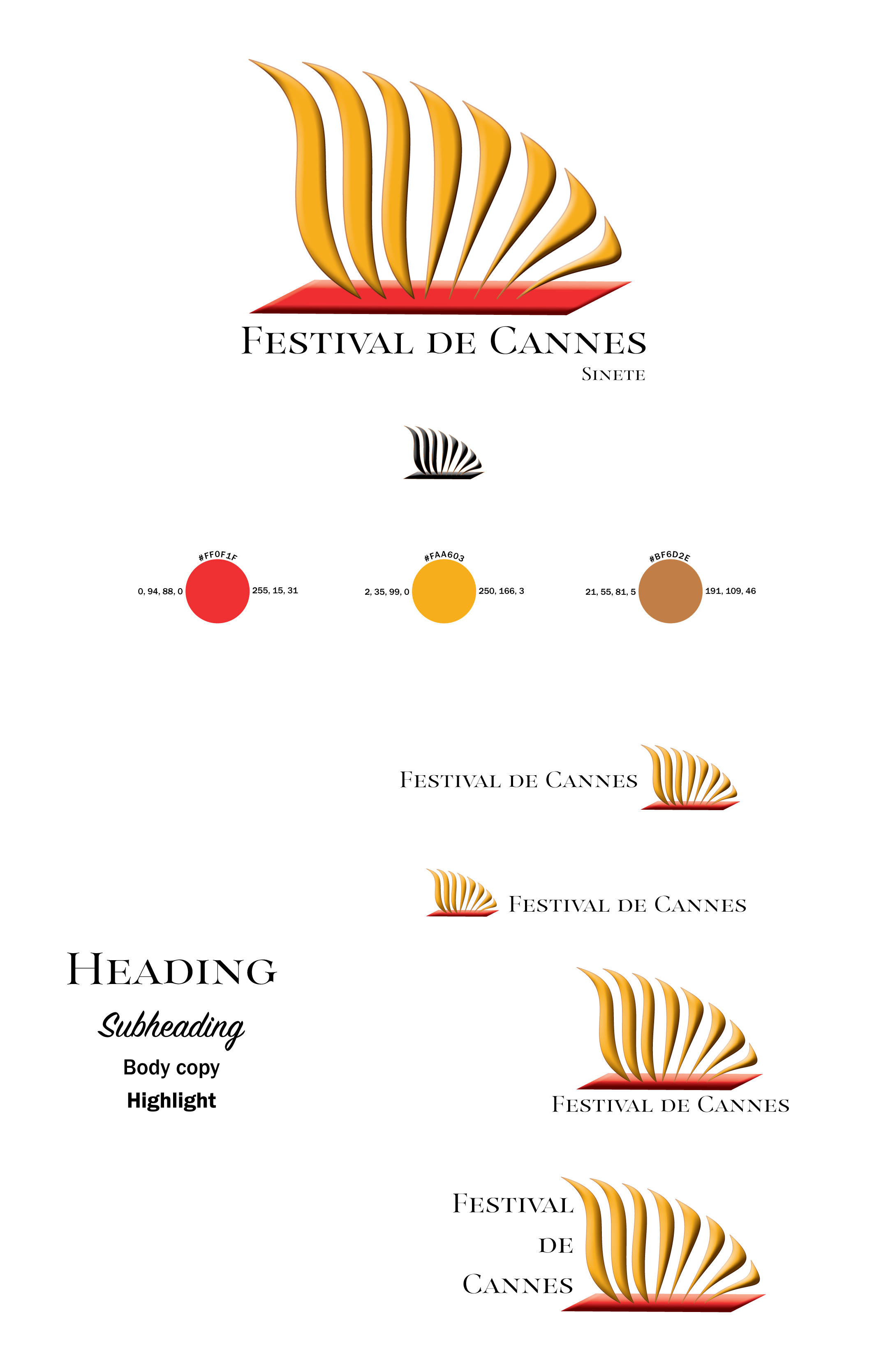
Festival de Cannes Nameplate
April 28, 2024
Digital Publishing II - Adobe InDesign
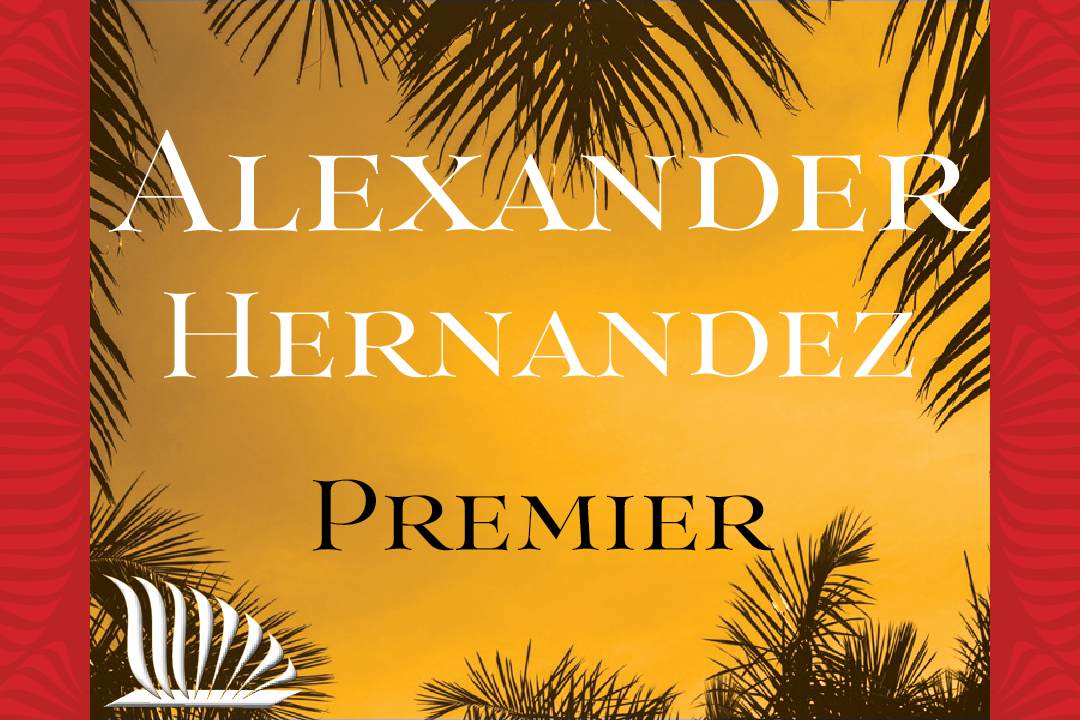
This project was a nameplate design for the Festival de Cannes. The goal was to create a nameplate that reflected the festival's brand and identity. I used Adobe InDesign to create the layout and Illustrator to create the design, and I incorporated elements from the festival's branding.
In this project, I was able to explore the concept of branding and how it can be represented visually. The nameplate is a reflection of the festival's identity and values, and I wanted to create something that was both visually appealing and representative of the festival.
Festival de Cannes Promo
April 25, 2024
Digital Publishing II - Adobe InDesign
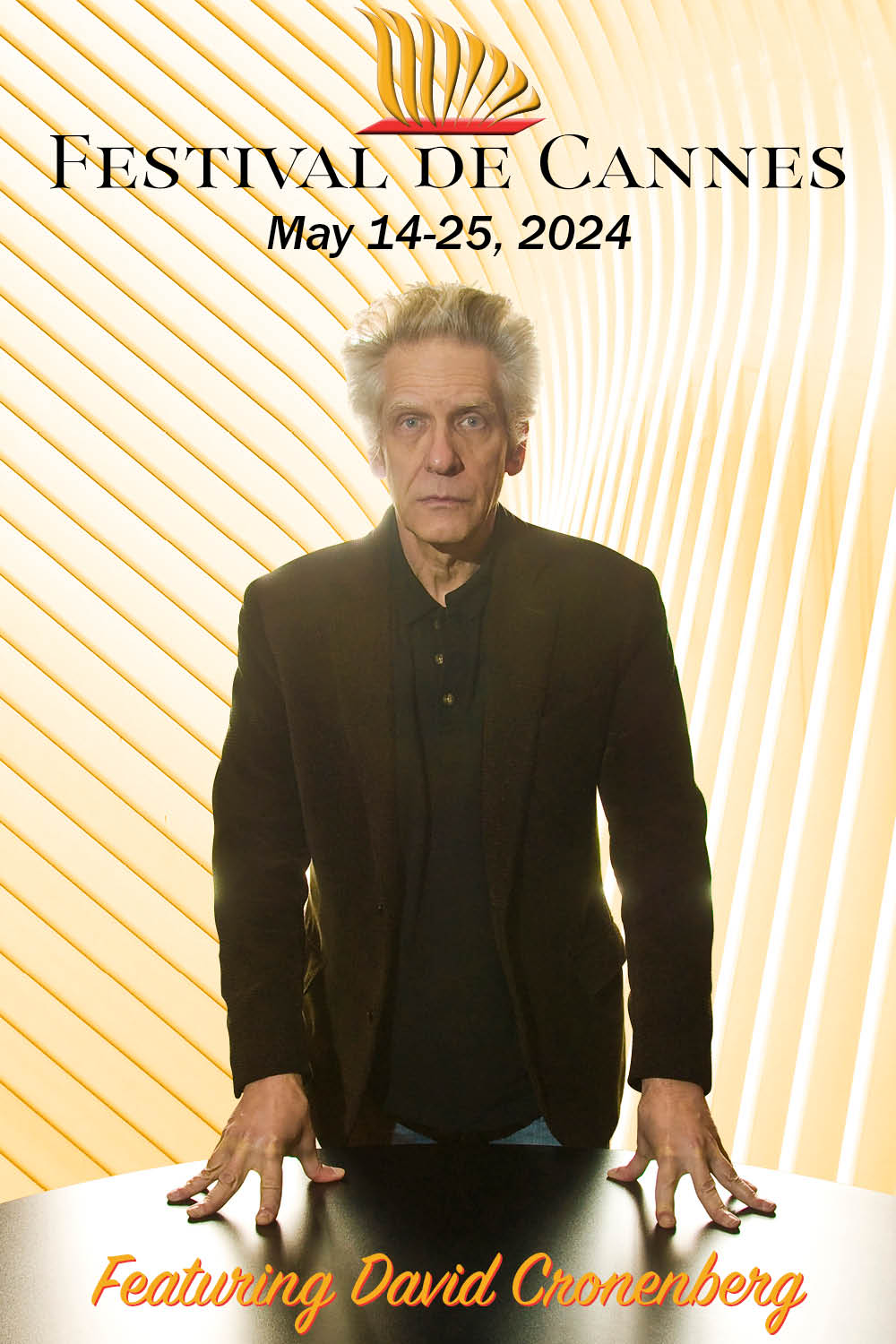
This project was a promotional poster for the Festival de Cannes. The goal was to create a poster that reflected the festival's brand and identity. I used Adobe InDesign to create the layout and Illustrator to create the design, and I incorporated elements from the festival's branding.
In this project, I learned how to incorporate multiple images into one cohesive design. I was able to different images and type and merge them into a poster that would be used for promoting the Festival de Cannes.
Festival de Cannes Comp
April 24, 2024
Digital Publishing II - Adobe InDesign
This project was part of a mock design competition for the Festival de Cannes. The goal was to create a design that reflected the festival's brand and identity. I used Adobe InDesign to create the layout and Illustrator to create the artwork, and I incorporated elements from the festival's branding.
In this project, I learned how to create a brand composition that was both visually appealing and representative of the festival. I was able to experiment with different styles and techniques in Illustrator, and I learned how to create a design that was both functional and aesthetically pleasing.
NatGeo Magazine Cover
March 28, 2024
Digital Publishing II - Adobe InDesign
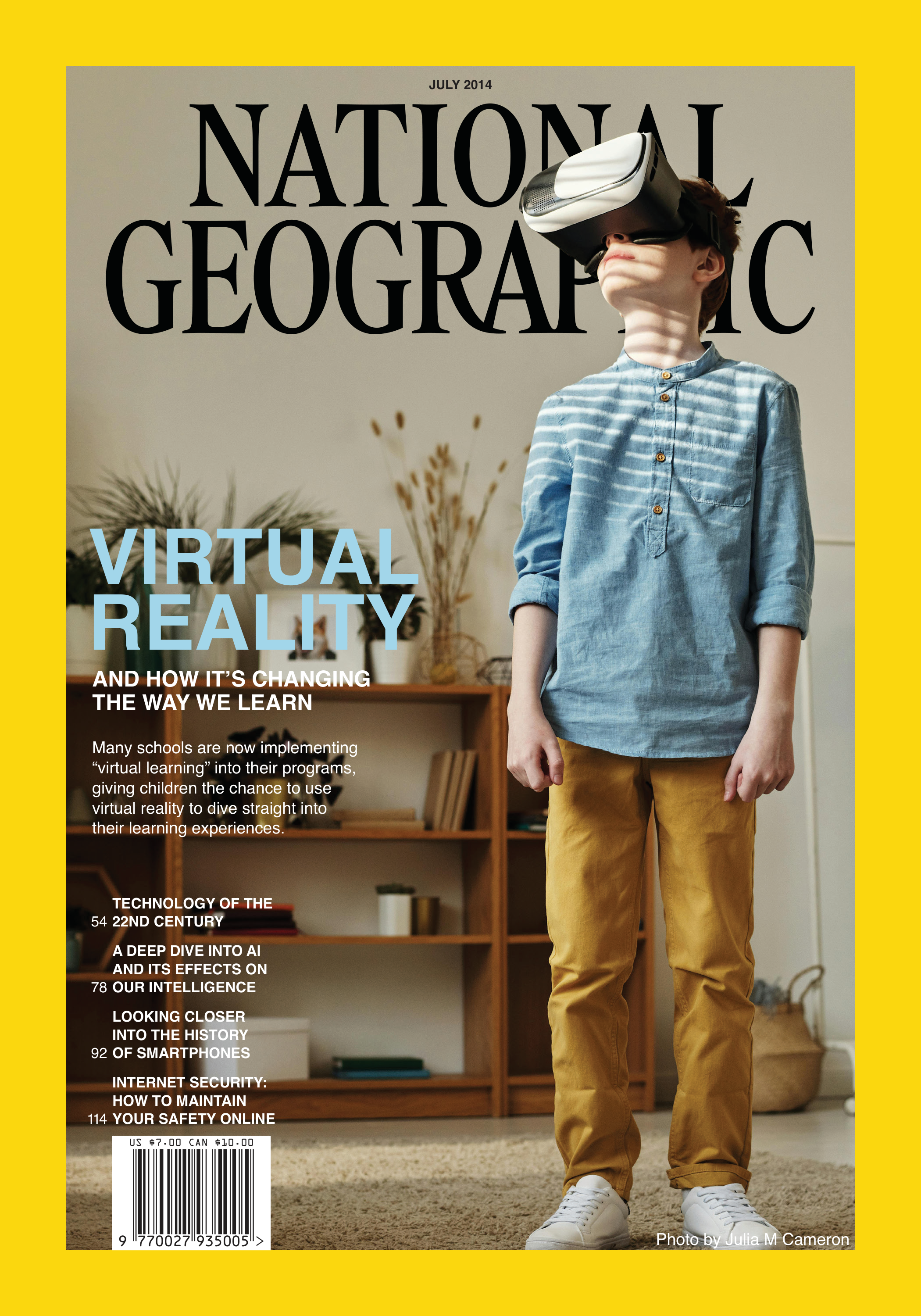
This project was a magazine cover design for National Geographic. The goal was to create a cover that reflected the magazine's brand and identity. I used Adobe InDesign to create the layout and Illustrator to create the design, and I incorporated elements from the magazine's branding.
In this project, I learned how to create a magazine cover that was representative of the magazine. I was able to experiment with different styles and techniques in Illustrator, and I learned how to create a design that fit the style of National Geographic, while incorporating techniques I learned in class.
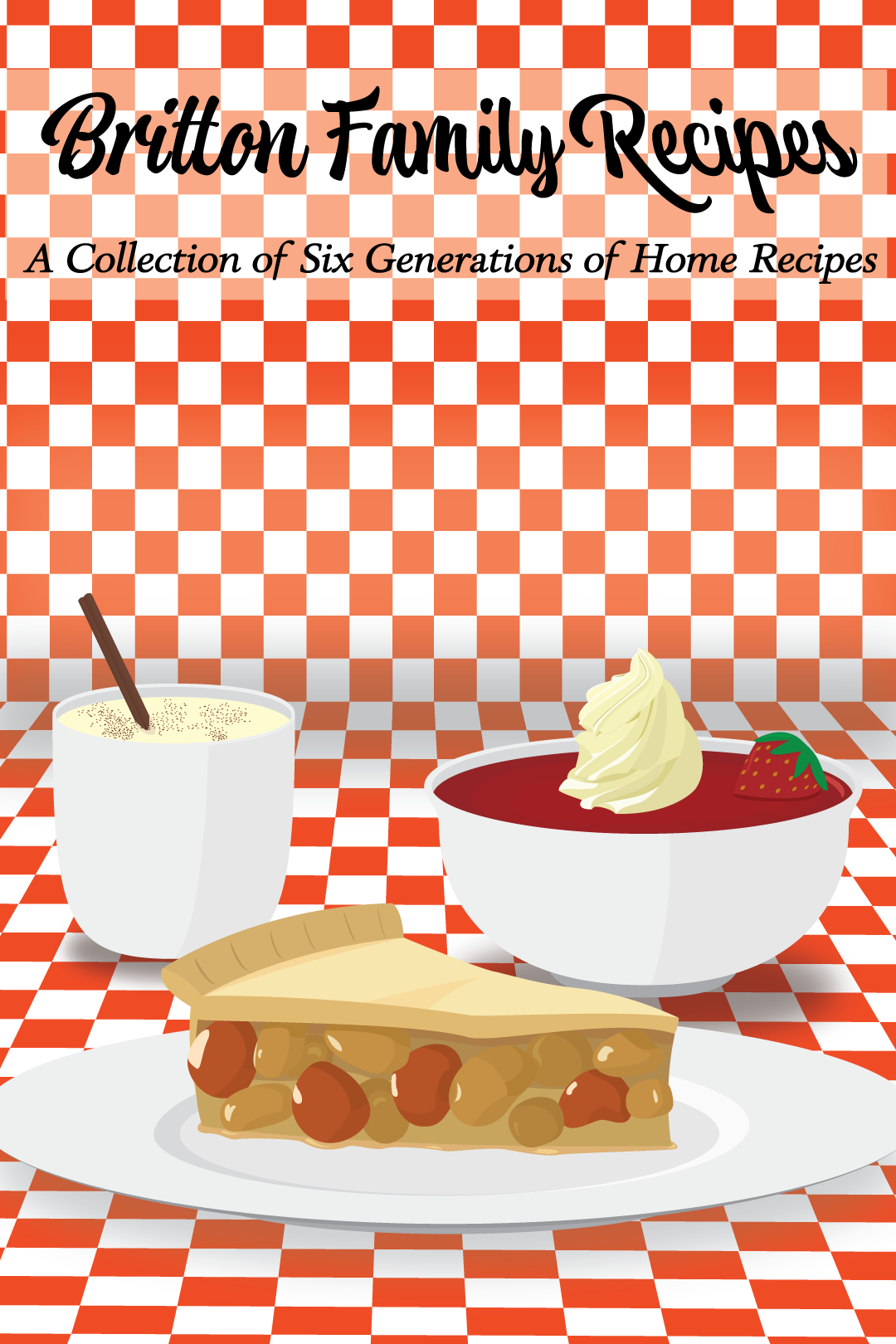
2023 Mean Greens Statistics
March 21, 2024
Digital Publishing II - Adobe InDesign
This project was a statistics chart for the UNT Mean Greens, a volleyball team. The goal was to create a chart that used statistics from a sport or sports team. I used Adobe InDesign to create the project and I also incorporated colors from the team's branding.
In this project, I learned how to create a statistics chart that held data and gave info. I was able to experiment with different styles and techniques, and I learned how to create a design that fit the style of the Mean Greens, while incorporating techniques I learned in class.